Get the Try Shoot app
Find paid campaigns, submit clips in seconds and watch your earnings count up, right from your phone.
iOS 15.0+ · Android 7.0+ · Or use it in your browser at tryshoot.com
Everything you do on Shoot, faster.
Find a campaign
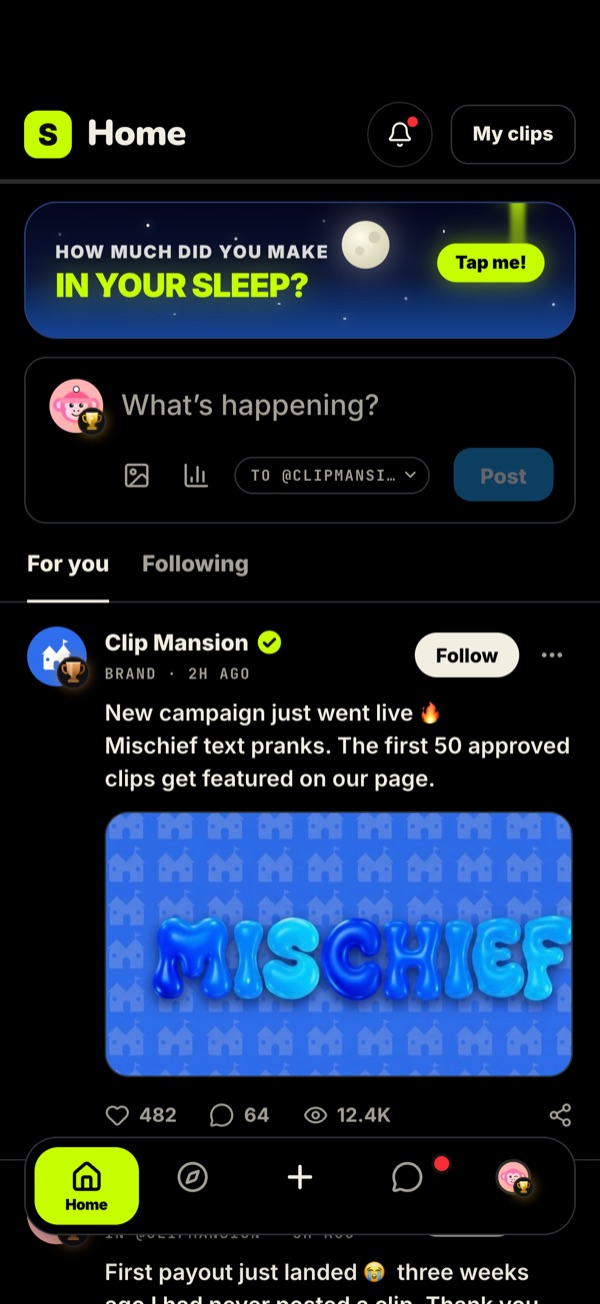
Every live campaign in one feed: the rate, the brief and how much budget is left, before you film a thing.
Submit in seconds
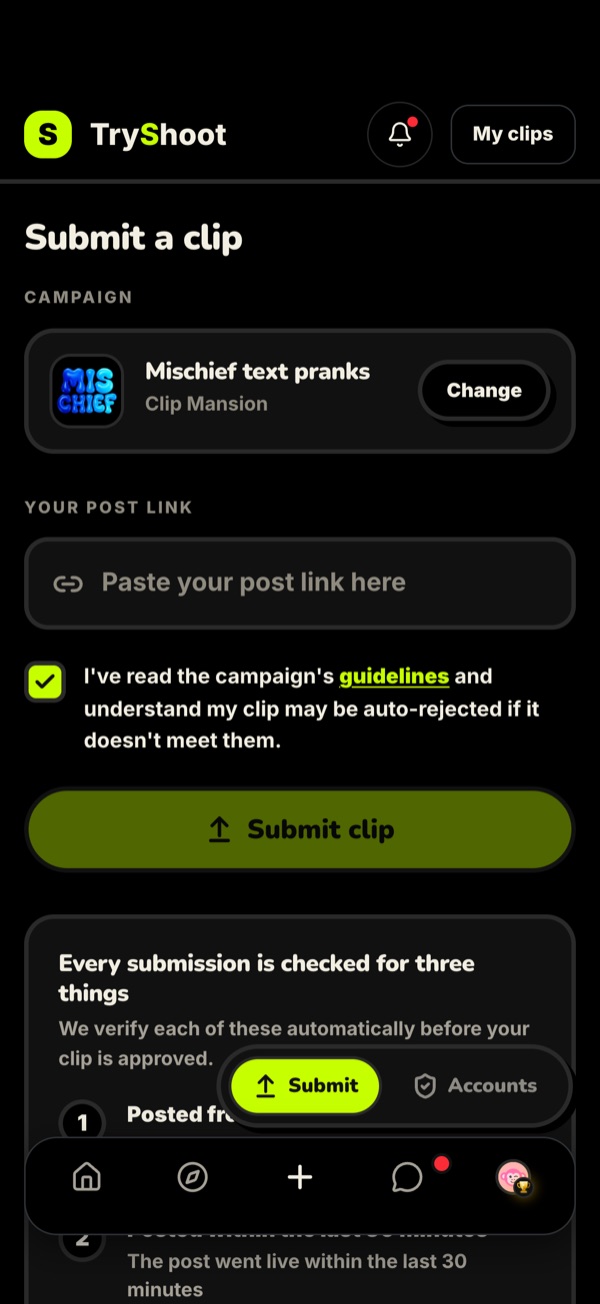
Post on TikTok, Instagram or YouTube, then paste the link. Shoot checks it and tracks the views from there.
Watch it add up
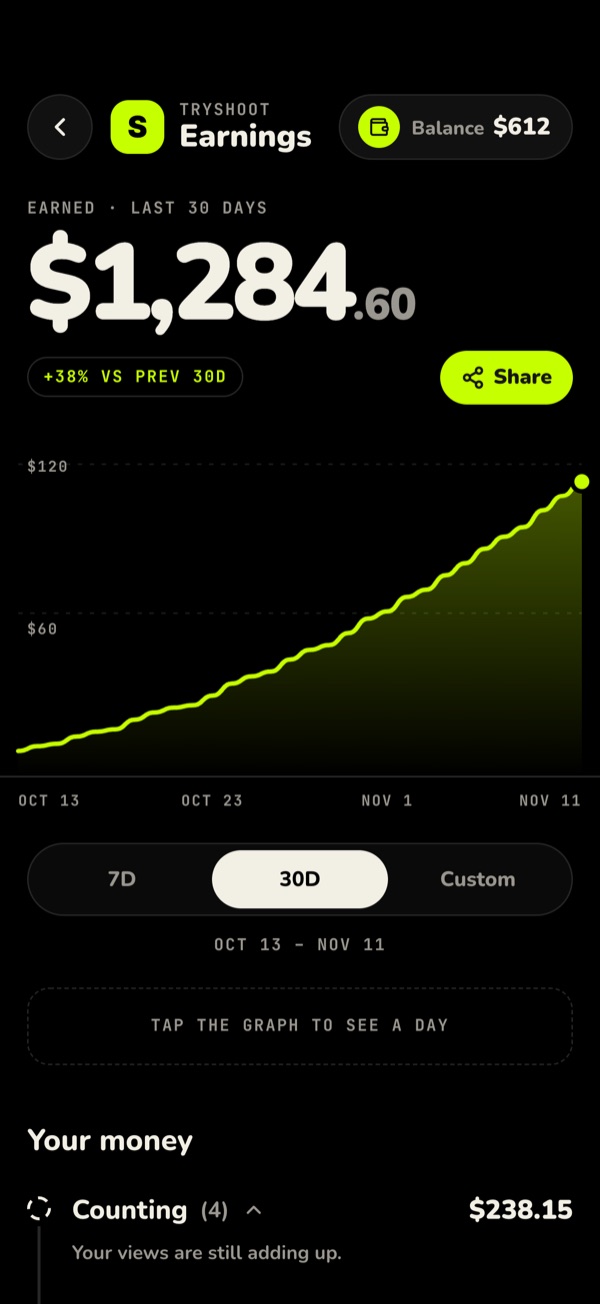
Earnings count up as views come in, from counting to clearing to ready to withdraw.
Know the moment
Push notifications when a clip is approved, a campaign you joined goes live, or a payout lands.
Clip with the crew
Community chats for every Shoot, DMs, and the leaderboard, all in your pocket.
Same account everywhere
Start on the web, carry on in the app. Clips, earnings and messages follow you.
Share it
tryshoot.com/app
One link for your bio or group chat. It sends every phone to its own store, and anything else to this page.
Use it on the web insteadQuestions about the app
Is the Try Shoot app free?
Yes. The app is free to download, free to join and free to earn with. The only charge is a 7% platform fee when you withdraw, shown before you confirm.
Where do I download the Try Shoot app?
On the App Store for iPhone (iOS 15.0 or later) and on Google Play for Android (Android 7.0 or later). Search "Try Shoot", tap a button on this page, or open tryshoot.com/app on your phone and it takes you to the right store.
Do I need the app to earn on Try Shoot?
No. Everything works in a browser at tryshoot.com too. The app adds push notifications when a clip is approved or a payout lands, and makes submitting a clip from your phone a couple of taps.
Is it the same account as the website?
Yes. Sign in with the same login you use on tryshoot.com and your campaigns, clips, earnings and messages are all there.
What is the app called on the stores?
It is listed as "Try Shoot - Get Paid to Post", with the lime S icon. Try Shoot is also known as TryShoot or simply Shoot.
More in the Help Center.